


Adobe Creative Cloud has become almost synonymous with professional creative work. Photoshop for image editing, Illustrator for vector design, Premiere for video, After Effects for motion graphics, Lightroom for photography and InDesign for layouts are all part of the same ecosystem.
But having access to a huge library of software does not automatically make a subscription worthwhile.
The real question is simpler: how much of Creative Cloud will you actually use?
In 2026, Adobe’s Creative Cloud Pro plan includes more than 20 creative applications, along with services such as Adobe Express Premium, Frame.io, Adobe Fonts, 100GB of cloud storage and Firefly generative AI features. Adobe’s Indian website currently lists the regular Creative Cloud Pro price at ₹2,714 per month including GST, billed annually, although promotional pricing can be substantially lower for eligible new subscribers.
For professionals who regularly move between several creative disciplines, that breadth can be valuable. For someone who only wants to edit the occasional photograph or create a social-media graphic, it can be difficult to justify.
What Do You Actually Get With Creative Cloud?
Creative Cloud is best understood as an ecosystem rather than a single piece of software.
The headline applications include Photoshop, Illustrator, Premiere, After Effects, Lightroom, InDesign and Acrobat Pro. There are also applications and services covering audio, animation, illustration, publishing, mobile creation and collaboration.
That variety is one of Adobe’s biggest advantages.
A designer might create artwork in Illustrator, refine images in Photoshop and prepare a brochure in InDesign. A content creator could edit photographs in Lightroom, produce thumbnails in Photoshop and move into Premiere for video. Someone working on a larger production can also bring After Effects into the workflow for animation and visual effects.
Instead of buying completely separate ecosystems for each task, Creative Cloud puts many of them under one subscription.
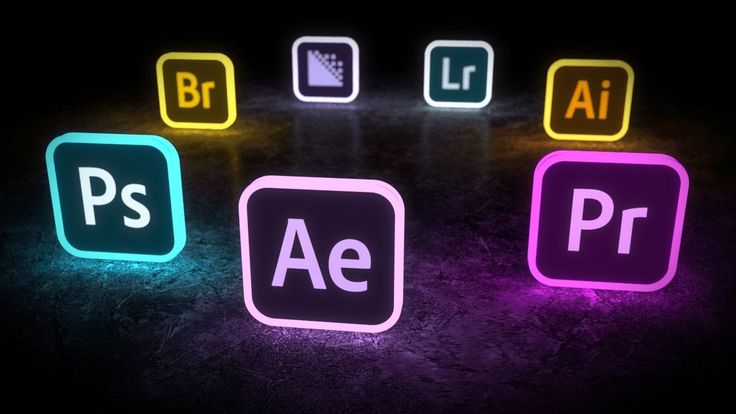
Photoshop and Premiere Are Still Major Reasons to Subscribe
For many users, the decision comes down to just two names: Photoshop and Premiere.
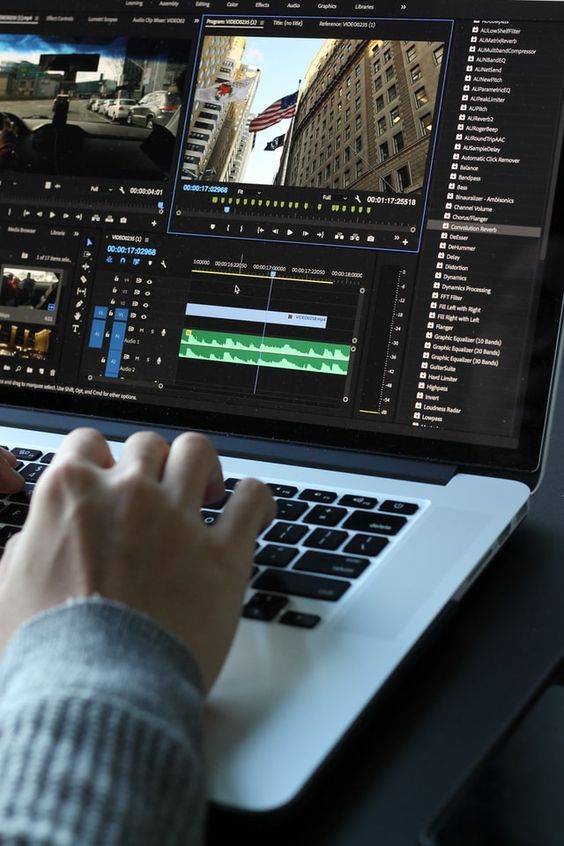
Photoshop remains central to professional image manipulation, compositing, retouching and graphic creation. Adobe positions it for everything from detailed photo transformations to rich graphics and artwork. Premiere, meanwhile, is aimed at video editing ranging from short-form content to larger productions.
The advantage becomes more obvious when projects overlap.
Imagine producing a YouTube campaign. You might edit photographs in Lightroom, create promotional graphics in Photoshop, build vector elements in Illustrator and edit the final video in Premiere. If motion graphics are needed, After Effects enters the workflow.
That is where Creative Cloud starts making more sense than buying one application in isolation.
The AI Side of Creative Cloud
Adobe has also made generative AI a significant part of Creative Cloud.
Creative Cloud Pro currently includes unlimited access to standard creative AI image and vector features such as Text to Image and Generative Fill, while Adobe also provides monthly generative credits for premium Firefly video and audio features. Adobe says the Pro plan includes 4,000 monthly generative credits for premium features such as Text to Video.
For designers and content creators, these tools can reduce the time spent on certain repetitive tasks.
The important point, however, is that AI should be considered an additional part of the package rather than the sole reason to subscribe. If your workflow does not involve Adobe’s generative tools, the value of the subscription still needs to come from the core applications.
Where Creative Cloud Makes the Most Sense
The strongest case for Creative Cloud is multi-app use.
A freelance designer who regularly uses Photoshop, Illustrator and InDesign gets considerably more from the subscription than someone who opens Photoshop once every few weeks.
The same applies to creative teams. A marketing department may need design, video, PDF, photography and social-media tools within the same workflow. Adobe also offers team plans with centralized administration, Creative Cloud Libraries and collaboration features.
Students and teachers have another reason to look closely at Creative Cloud. Adobe’s India pricing page currently lists a discounted Creative Cloud Pro offer for eligible students and teachers, including 20+ applications and Firefly features.
In other words, Creative Cloud’s value depends heavily on how broad your creative workload is.
Where It Starts to Feel Expensive
The biggest criticism of Creative Cloud is also its most obvious characteristic: it is subscription software.
You are paying continuously rather than purchasing a permanent licence for the applications.
That makes sense for professionals who use Adobe applications every week. It is less attractive for occasional users who might only need Photoshop or Premiere from time to time.
There is also a psychological difference between paying for one application and paying for an entire creative ecosystem. If you primarily use Photoshop, having access to 20-plus apps sounds impressive, but those additional applications have little practical value if they remain unopened.
Adobe does offer individual-app plans. On its current India page, Photoshop, Illustrator and Premiere are listed individually at ₹733.96 per month including GST when purchased under the annual, billed-monthly option, while Adobe Express Premium is listed at ₹398.84 per month.
That makes the choice more complicated—but also more flexible.
What About Alternatives?
The creative-software market is no longer dominated by Adobe to quite the same extent.
Affinity has become a particularly interesting alternative for image editing, vector design and page layout, while DaVinci Resolve has established itself as a serious video-editing option with a free version.
Recent coverage has highlighted how stronger alternatives can make the recurring cost of Adobe harder to justify for some users, particularly photographers and hobbyists whose workflows do not depend on Adobe-specific features or file compatibility.
There is an important distinction, though: replacing an application is not always the same as replacing an ecosystem.
If you regularly collaborate with clients, agencies or colleagues who use Adobe applications, compatibility and established workflows can matter as much as the feature list.
Creative Cloud Standard vs Creative Cloud Pro
Adobe has also introduced different Creative Cloud tiers, so simply looking for an “All Apps” plan is no longer enough.
Creative Cloud Pro provides full access to the wider application ecosystem and Adobe’s broader web and mobile capabilities, while Standard offers a more limited level of access for certain web and mobile applications. Adobe’s documentation notes that Pro provides full access to apps such as Photoshop on the web, Illustrator on iPad and Lightroom on the web, whereas Standard can have more limited functionality.
That distinction matters if you move between desktop, browser and mobile devices.
For someone who works primarily on a desktop, the difference may be less important. For a creator who wants the same workflow across devices, it becomes more relevant.
So, Is Adobe Creative Cloud Worth It?
There isn’t one answer for everyone.
Creative Cloud makes the most sense if you:
- Regularly use several Adobe applications
- Work professionally in design, photography, video or publishing
- Need compatibility with Adobe-based client or team workflows
- Want access to Adobe’s wider ecosystem rather than one standalone application
- Can make practical use of Firefly and other integrated creative tools
It may be harder to justify if you:
- Only need Photoshop or another single application
- Edit photos or videos only occasionally
- Mainly create simple social-media graphics
- Are comfortable using free or one-time-purchase alternatives
- Will leave most of the included applications unused
The smartest approach is therefore not to ask whether Creative Cloud is universally “worth it.” Ask how many of its tools belong in your actual workflow.
If Photoshop, Illustrator, Premiere, Lightroom and other Adobe applications are all part of your regular work, the subscription can function as a complete creative toolkit rather than a collection of apps you barely use.
If you only need one tool, however, paying for the entire ecosystem may be unnecessary. Adobe’s current single-app options make it possible to build a narrower setup instead.
Final Verdict
Adobe Creative Cloud remains a powerful and unusually comprehensive creative ecosystem, but its value is directly tied to usage.
For professionals, freelancers and serious creators who move between photography, design, video, publishing and related disciplines, the breadth of the package can be a genuine advantage. For occasional users, the subscription model and sheer number of included applications may be difficult to justify.
The best reason to subscribe isn’t simply that Adobe has the most apps. It is that those apps fit the way you actually create.


